Skip to main content
pknw1Dox
View All
Search
Shelves
Books
Log in
Info
Content
External Integrations
Auto-Requesting using ...
Page Revisions
Revision #238 Changes
Auto-Requesting using IMDB Lists
Login to IMDB and create a new public list
Open
https://imdb.com
and login
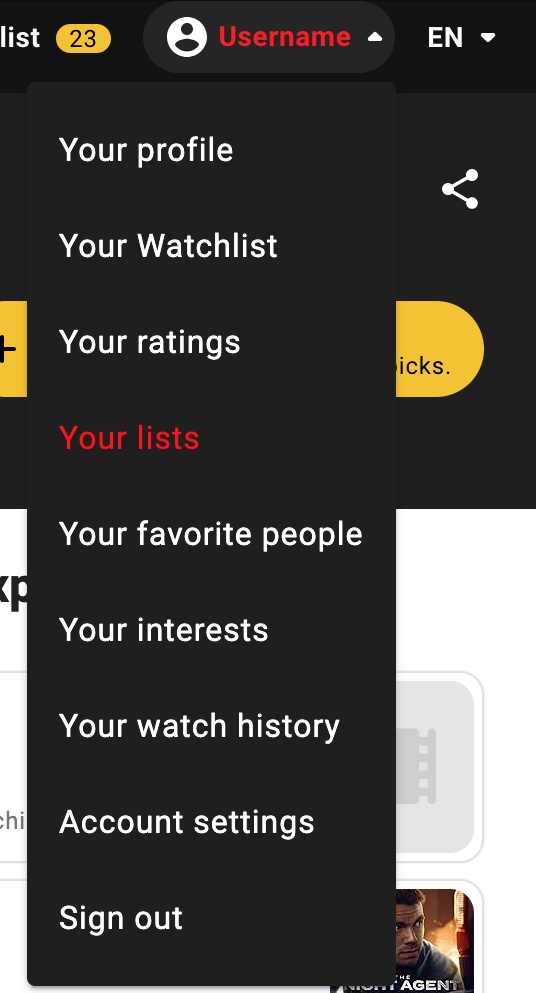
Click your username
Scroll down and select Your Lists
Either select and existing list
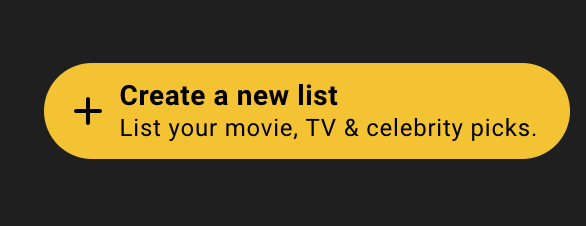
or Create a new list
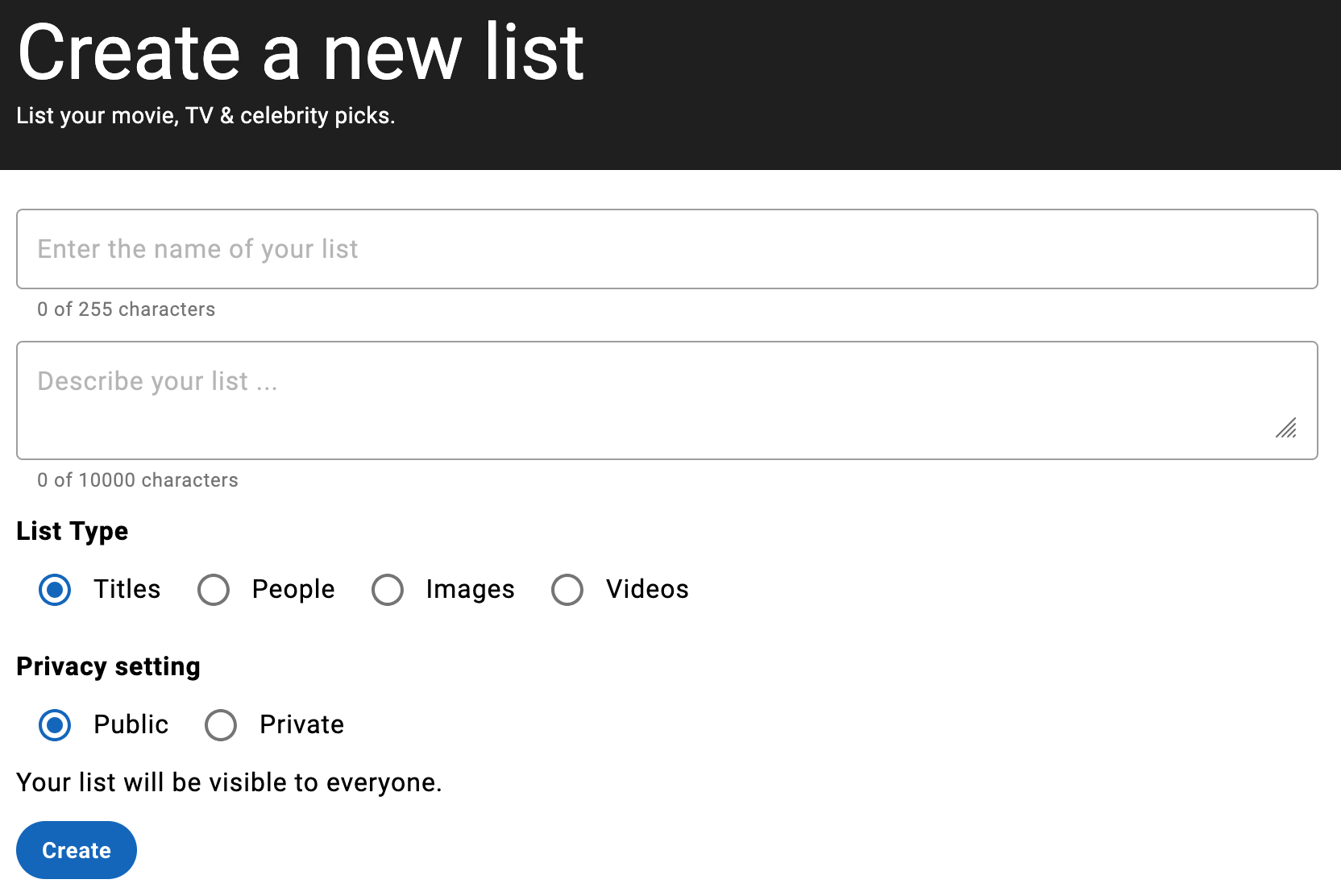
Add details to create the list
you MUST select a public list
Once created, grab the list ID from the location bar in your browser
Add your list ID for automatic requests
go to
https://access.pknw1.co.uk
login with your notflix account
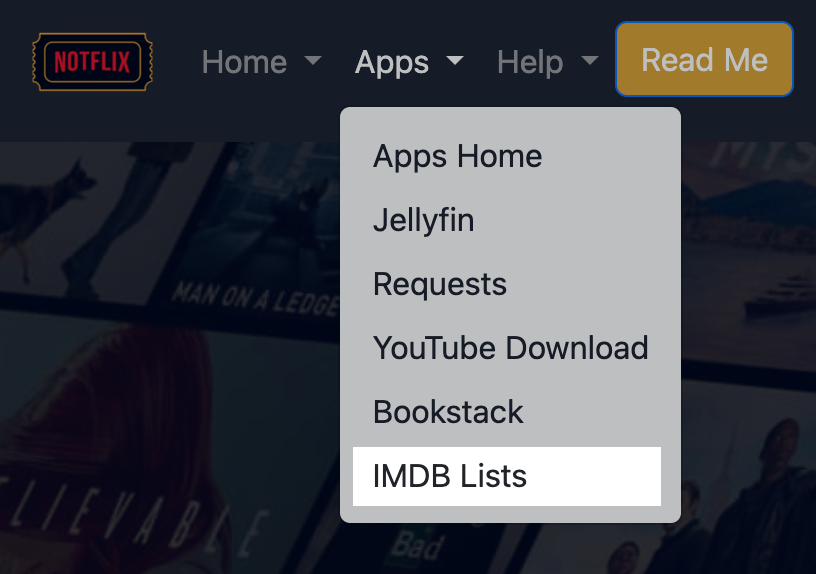
Select the IMDB Lists from the Apps menu
or use this
link
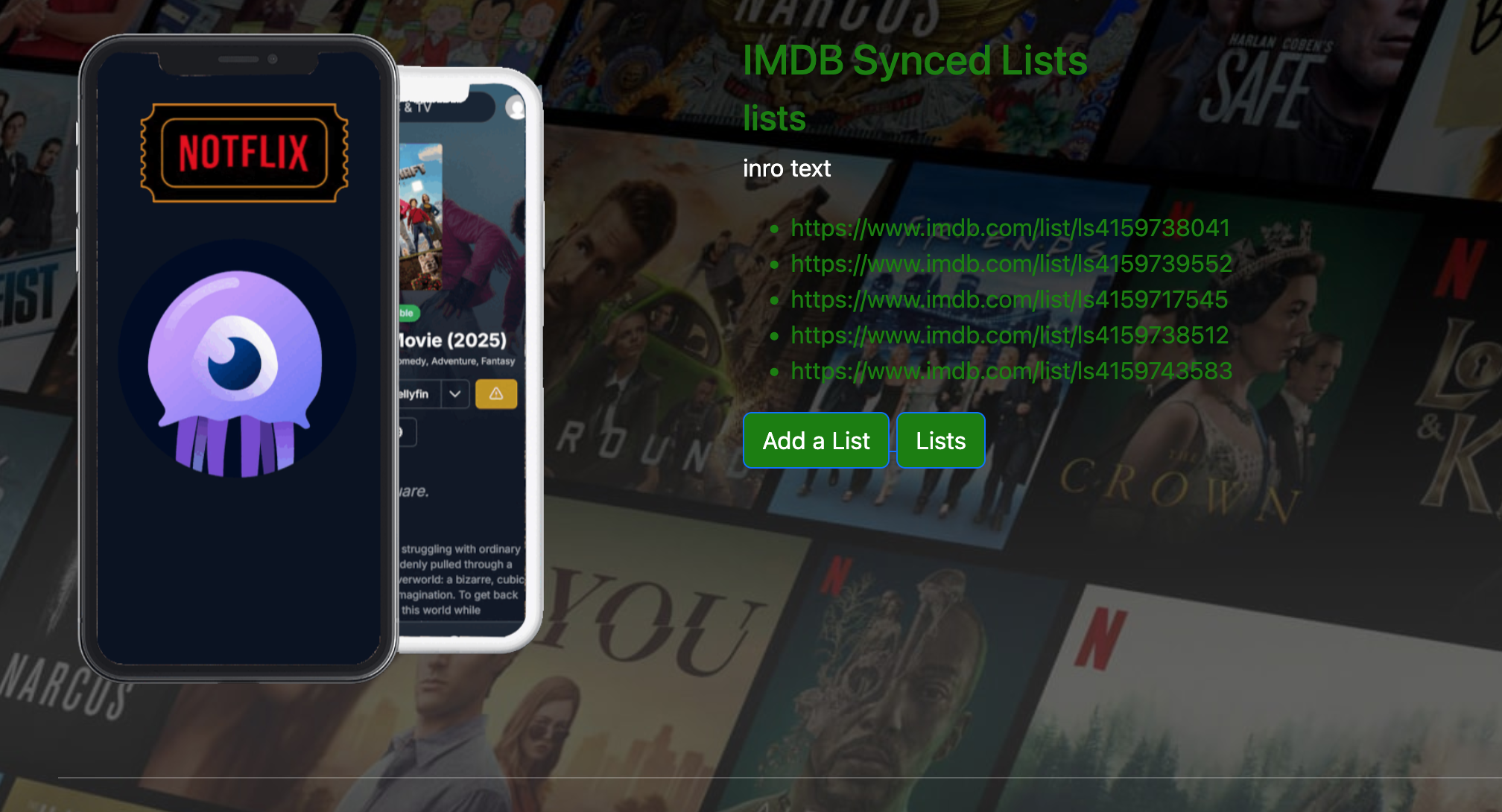
You will see a list of all lists currently being synced from all users
Click the
Add a List
button
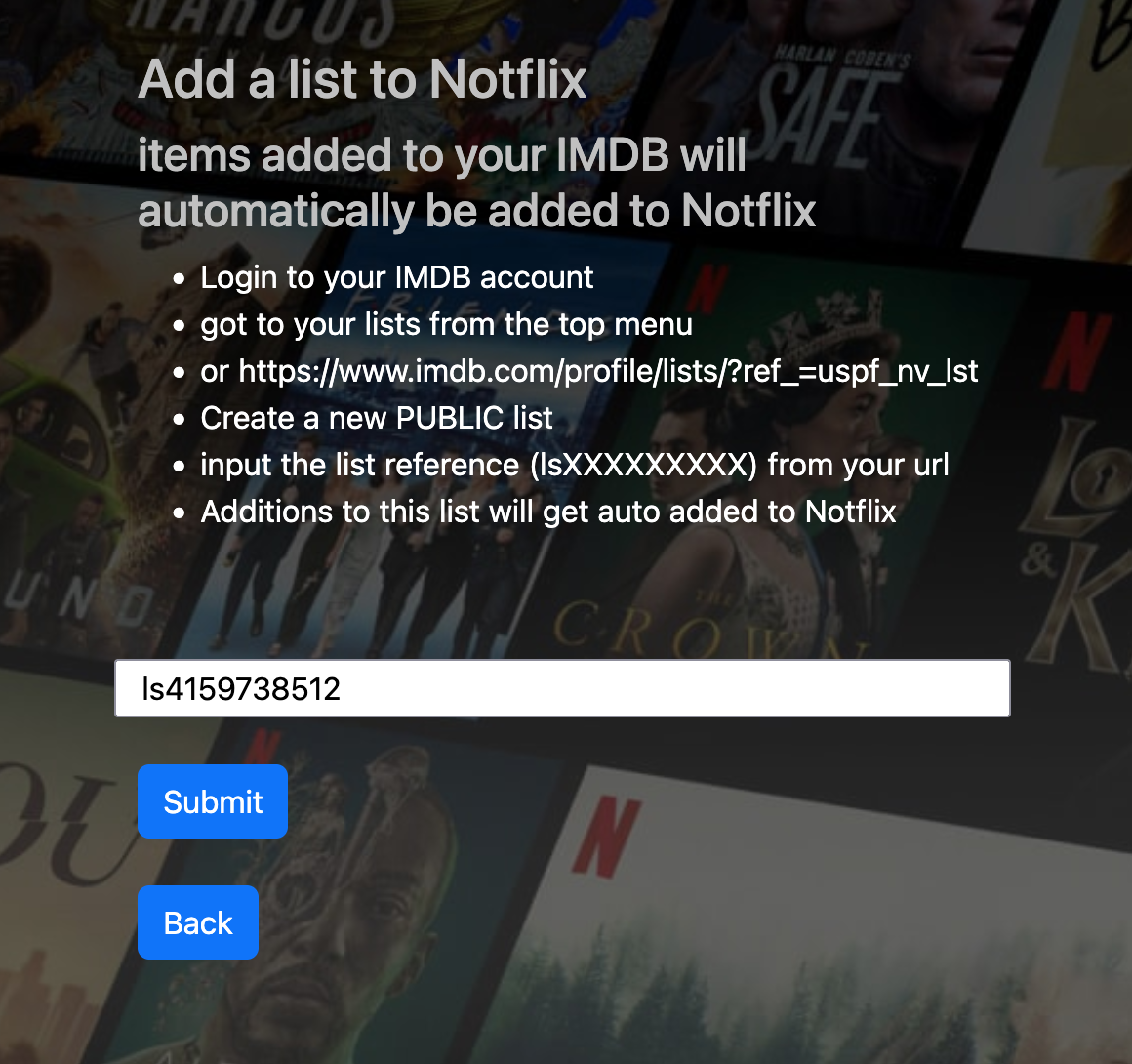
Enter your IMDB List ID and hit submit
Done
Back to top